
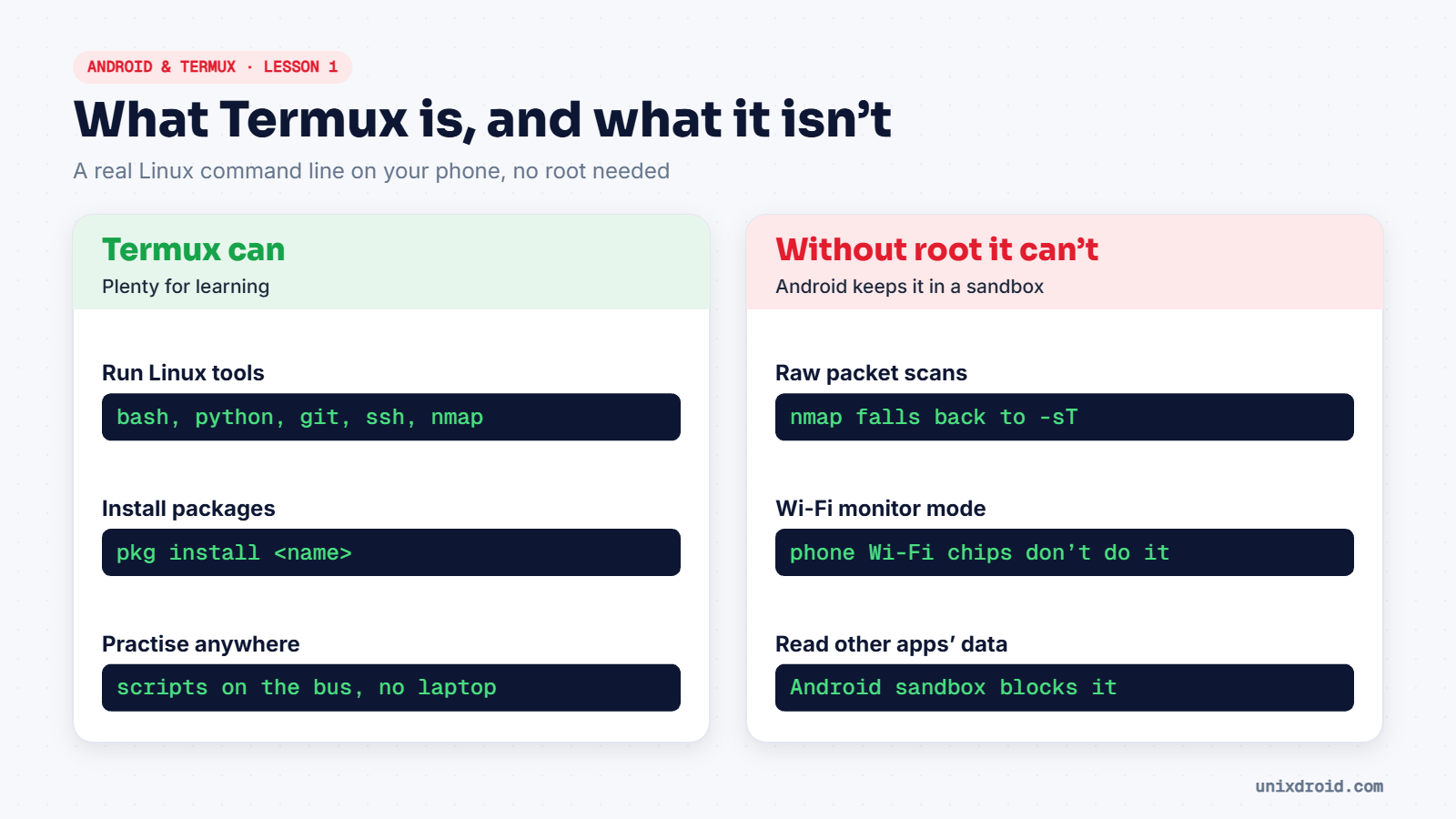
Termux is a free app that gives your Android phone a Linux terminal and its own package manager. No root, no laptop. For students who don't have a powerful PC yet, it's a brilliant way to practise Linux and scripting anywhere.
Install it from the right place
Get Termux from F-Droid or the official Termux GitHub releases, which is what the Termux developers point users to. Avoid copies from random APK websites, because a modified terminal app could be dangerous.
Don't mix sources: add-ons such as Termux:API must come from the same place as the main app, or they won't work together.
What you get
- A real shell (
bash) and core Linux commands:ls,cd,grep,nano. - A package manager,
pkg, with thousands of tools: Python, Git, OpenSSH, Nmap, and more. - Its own home folder, separate from your phone's photos and files.
The honest limits
Without root, Android keeps Termux inside a sandbox, like every other app. That means:
- No raw packet tricks. Nmap works, but uses a slower full connect scan instead of a SYN scan.
- No Wi-Fi monitor mode. Phone Wi-Fi chips and Android don't allow it, so Wi-Fi "hacking" videos made on phones are usually misleading.
- No access to other apps' data. That's the sandbox doing its job.
Rooting a phone removes some limits, but it also weakens the phone's security and can break banking apps. For learning, you don't need it.
Think of Termux as a Linux practice room in your pocket, not a hacking toolkit. The skills you build here transfer straight to Kali.